
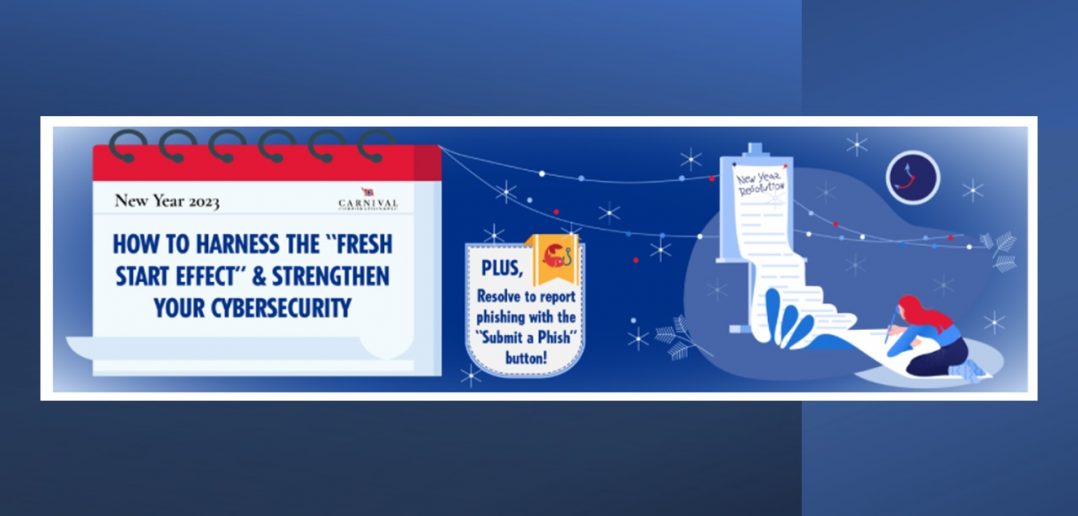
Resolve to report phishing with the “Submit a Phish” button
Did you know milestones like the start of a new year can motivate aspirational behaviours? It’s called the “fresh start effect” and while the feeling of the new year may be ephemeral, the year-long impact of strong cyber-security is very real!
Four Cybersecurity Resolutions to Practice Year-Round
1) Find (and Report) the Phish
 Always verify the legitimacy of email senders and addresses, and look for red flags of a phishing scam like poor grammar, urgent or threatening language and sketchy links or attachments. If an email piques your suspicion – always report it using the “Submit a Phish” button in your Outlook toolbar.
2) Promise Strong Password Protection
Make your accounts “unhackable” by using unique passwords across all logins, using a combination of symbols and numbers, and by keeping a secure password manager (please raise a service request for Key Pass) to safely store your logins.
| Examples of weak passwords:
carnival123 johnsmith Password1 |
Example of a strong password:
Y3llowD@nk3ySch00lB!k35
|
A strong password has more characters (including special characters) and is not easily guessed, so non related words in a phrase such as: Yellow Donkey School Bikes = Y3llowD@nk3ySch00lB!k35 which is easier to remember and more secure than Oct0b3r20. Also make sure that you don’t re-use your password for any other logins, either for work or personal use. Sometimes websites get breached and those passwords get re-used by hackers trying their luck.
3) Swear by Social Media Safety
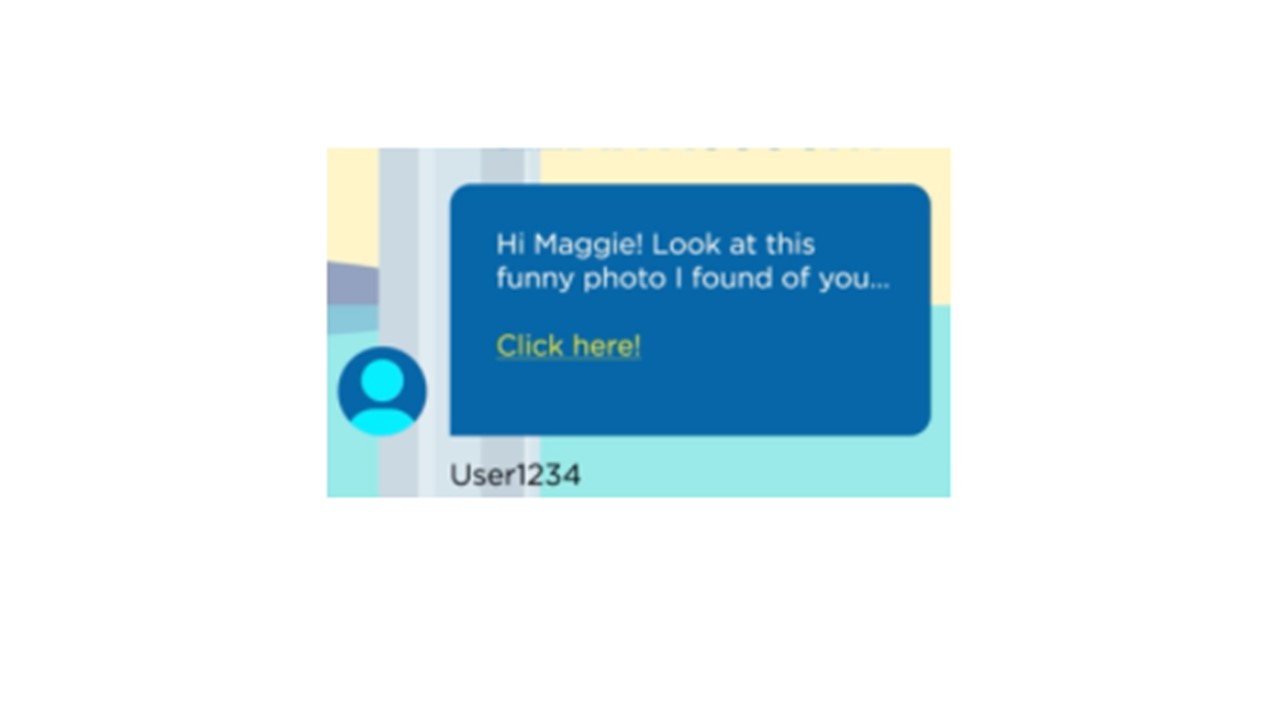 Beware of spoofed social media accounts where hackers try to impersonate coworkers, family and friends. Using carefully crafted messages, they can trick you into disclosing sensitive information or downloading malware through malicious links.
4) Embrace Email Encryption
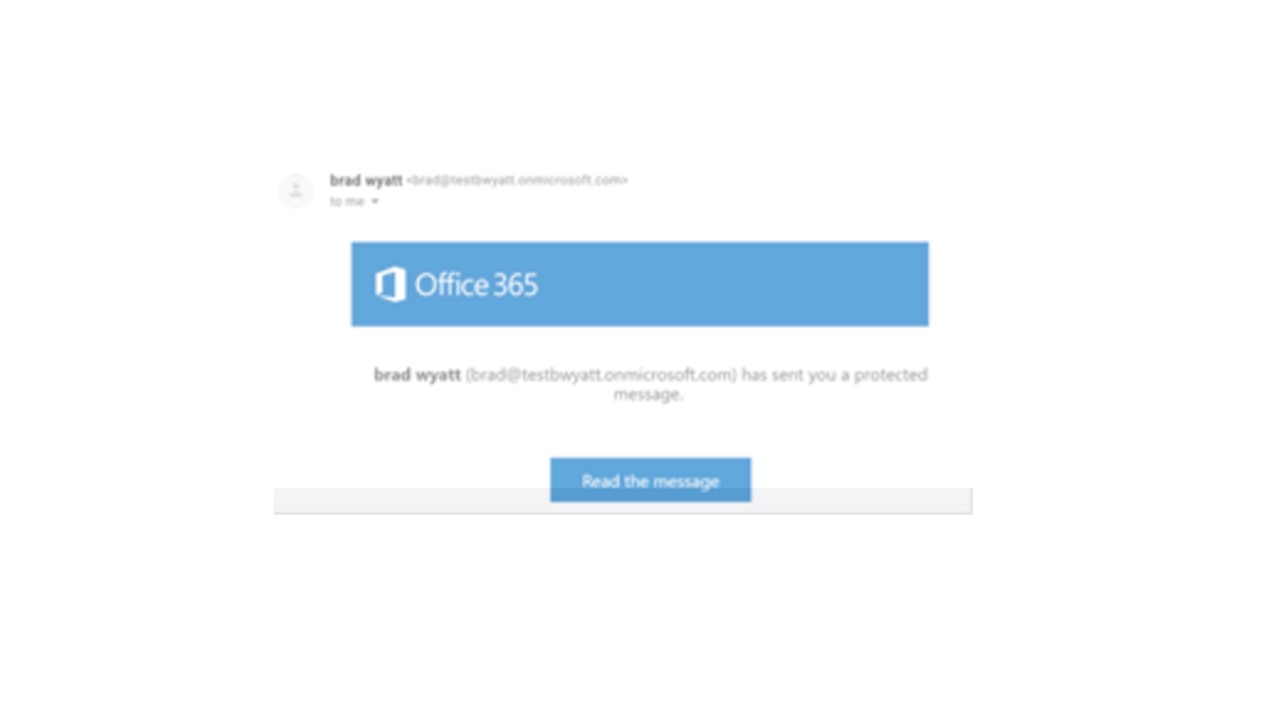 Protecting sensitive emails is easier than ever with the Message Encryption tool. When composing a new external email in Microsoft 365 Outlook or in Outlook on the web, type [Secure] – including the brackets – anywhere in the subject line and the system will automatically encrypt the message.
Make these simple cyber-security practices part of your 2023 plans and keep the “fresh start effect” alive all year round. Don’t forget – report suspected phishing attempts via the “Submit a Phish” button! For more information on cyber-security best practices and the latest trends in phishing, visit the trusted Terranova site here.*
*This link takes you to a third-party website. This is an approved, safe link to Terranova, our cybersecurity partner.