
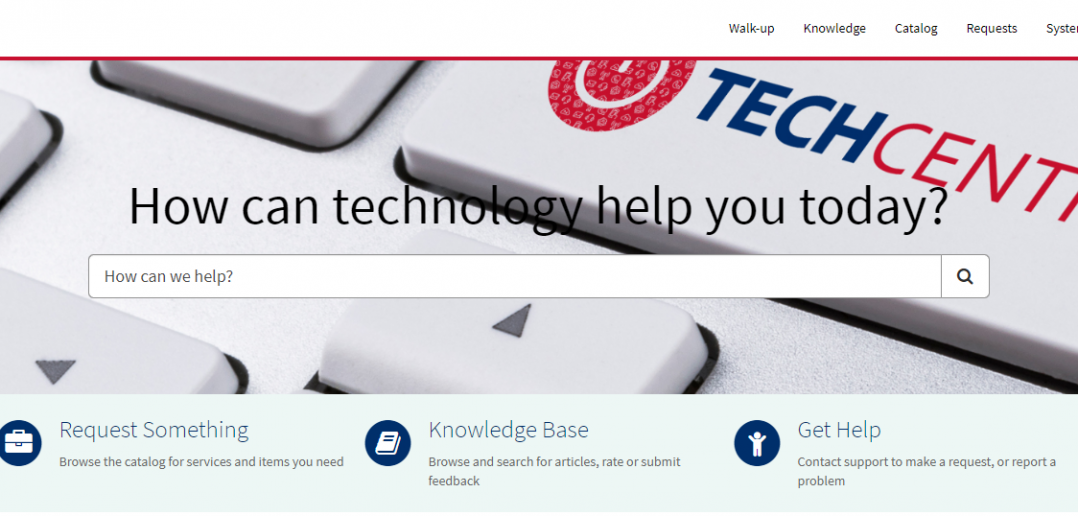
Our new online, IT service portal, The TechCentre, is now live! The TechCentre is an online Portal that will enable you to help yourself to IT support and services with access available 24 hours a day, seven days a week.
To access The TechCentre please use this link: https://carnivaluk.service-now.com/sp. We’ve also added it as a quick link, here on The Insider. You can now do the following in The TechCentre:
- Raise an IT Service Request
- Raise an Incident
- Track your IT requests or incidents for current status and updates
- If you’re in Carnival House and want to talk to a member of the TechBar, you can join a virtual queue to see someone and when your number is called you can come on down to the TechBar
- You can chat to a member of the support team online through the chat function
- Search our ‘knowledge base’ for IT guides and support articles
- Review the status of IT services for any planned maintenance or system outages
- The TechCentre has its own app which shoreside colleagues will be able to download to corporate mobile devices. Find out how here.
What else has changed?
- The TechCentre has replaced the IT Service Request database in Lotus Notes and the Incident logging system in Remedy (ITSM Remedy).
- The ability to log Service Requests (SRs) in Lotus Notes has now been switched off.
- The form to log incidents on The INSIDER has been removed.
- Remedy (ITSM Remedy) is no longer accessible to log Incidents for the Ship’s company.
- From 8 November both Ship and Shore colleagues will use The TechCentre to raise Service Requests and Incidents.
What happens with existing requests in Lotus Notes and Incidents in Remedy?
Any service requests or Incidents raised in Lotus Notes or Remedy (ITSM Remedy) before 8 November will continue to be handled in the system they were raised in. There will be no requirement for you to raise these again in The TechCentre.
Raising service requests or Incidents
All Service Requests and Incidents are to be raised through The TechCentre. You’ll have received an email from The TechCentre project team, informing you how to log into The TechCentre. This will also include a video link -to an overview and how to access The TechCentre.
Once you’ve accessed The TechCentre you’ll notice there’s a section called ‘Knowledge Base’. This will hold all training and user guides for The TechCentre as well as a whole range of information about IT Services and Support. For our ship’s company, all training materials will also be saved to the ships drive.
You can also get IT Support through the TechCentre ‘Get Help’, online chat, virtual queue / walk up experience or by calling the IT Service Desk on 02380 656000.