
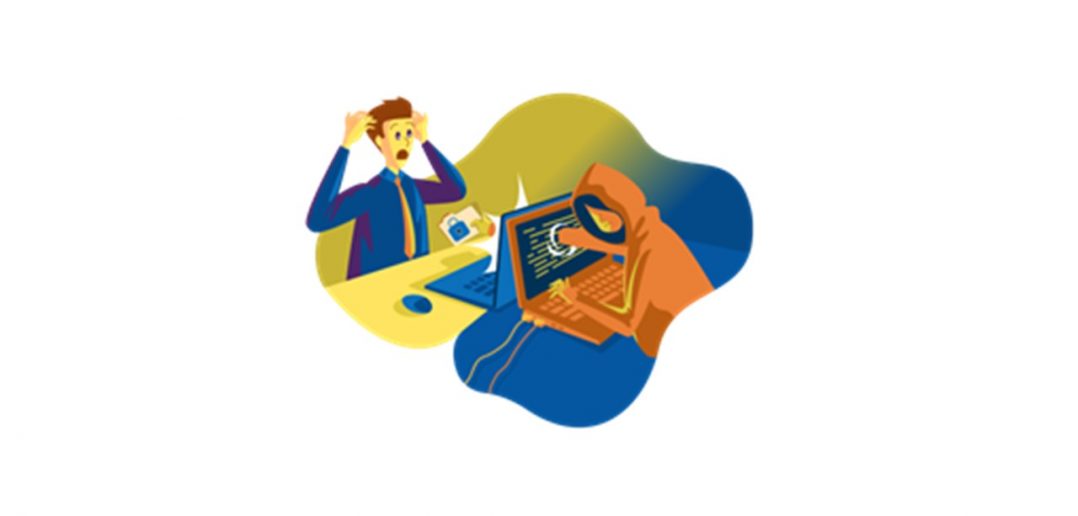
Hackers have limitless opportunities when using social media, learn how to stay safe online!
It is incredibly easy to pretend to be something or someone you’re not online. Hackers take advantage of this loophole, often impersonating someone in order to get users’ sensitive information. While on social media, it is important to be aware of these fake accounts and the warning signs to protect yourself.
What Does a Hacked or Spoofed Account Look like?
There are a few key signs to look for when determining if an account is fake, spoofed or hacked:
- The account messages you randomly, usually asking for something or for a favour.
Example: A company executive or colleague who you have never or rarely communicate with sends an unusual request.
- The direct message contains bad grammar, punctuation or just sounds off.
Example: The message is soliciting sketchy products or includes a request for money.
- The account bio is vague and includes unknown links or is newly created without any posts.
Example: The account has no followers and uses a stock image profile picture or the default avatar.
Encountering a Hacked Account
Today, it’s not if, it’s when you will encounter a hacked or spoofed account. Below are some points of action to help minimise damage for yourself and others.
- Trust your gut – If an account’s actions seem strange on social media, do not answer their message and report the situation quickly, especially if they are encouraging you to click on unverified links.
- Ignore the request – Hackers will be persistent in trying to steal your information, so it is better to not respond to any messages or click on any links that appear suspicious.
- Spot the spoof – If you are messaged by someone you supposedly know asking for something out of the ordinary such as monetary contributions or sensitive information, contact them outside of social media to confirm their identity.
If you are contacted by someone impersonating a coworker, immediately report the issue to IT.security@carnivalukgroup.com.
- When in doubt, report – If the issues are persistent, block the user and use social media reporting tools to flag the incident.
Unfortunately, hacked or spoofed accounts are all too prevalent and many people fall for their requests. Help protect your personal information by reporting any malicious situations. For more tips and tricks on social media safety, visit Terranova’s page here *
*This is an approved, safe link taking you to a Terranova page. We use Terranova and Yammer and other trusted third parties and their websites to help educate us about these scams.
For more information on staying safe on social media read this article.