
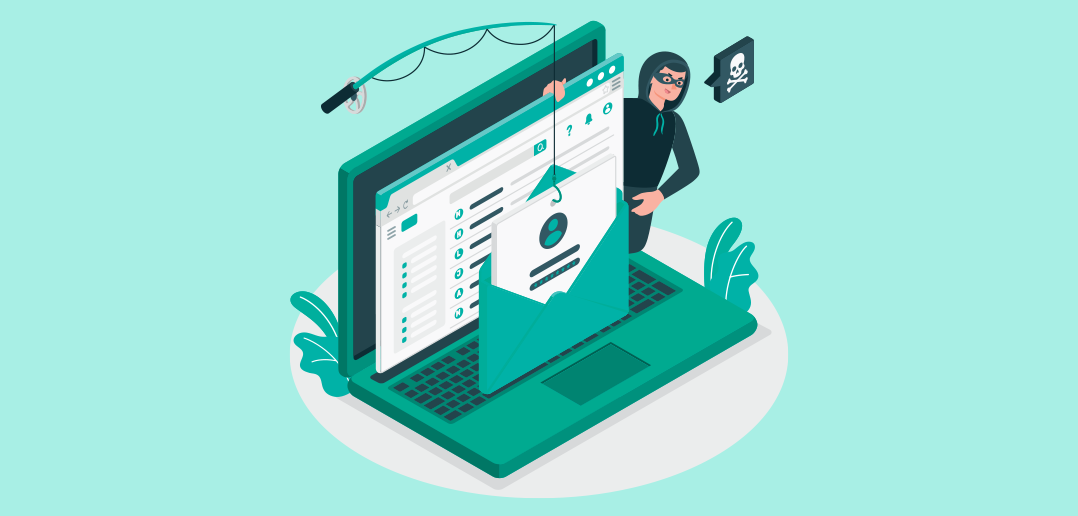
The ‘Submit a Phish’ button joined us last November, with many of you using the tool to report thousands of suspicious emails, making our wish come true to remain cyber secure!
By becoming a ‘Submit a Phish’ expert you’re directly helping to protect the company’s cyber security. Below are some reminders on actions to take when receiving an email.
The ‘Submit a phish’ button, reserved exclusively for phishing emails, is a quick and easy way to report suspicious emails directly to Global Information Security and Compliance Services (GISCS) and IT for analysis.
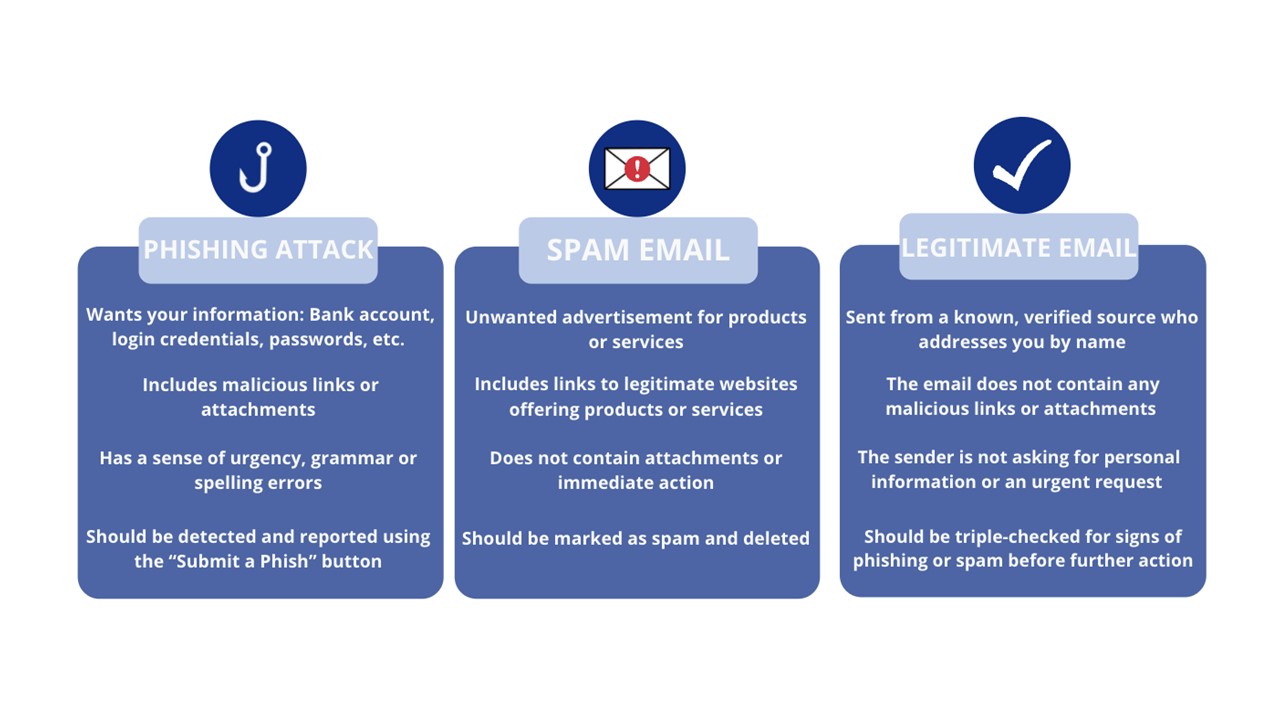
You may know where the ‘Submit a Phish’ button is located and that it’s used exclusively for phishing emails but spotting a phishing email can sometimes be tricky. Here are some ways to tell the difference between phishing attacks, spam and legitimate emails.  Pro Tip: Use the Junk > Block feature on your email toolbar to catch spam messages that slip through the automatic block system.
You can also visit our trusted cyber security partner, Terranova, for more tips on reporting email scams. This link takes you to a third-party website. This is an approved, safe link to Terranova, who is the vendor helping us with this program.
As our first line of defence against email cyber-attacks we count on you to help us stay cyber secure. Remember, it’s better to be safe than sorry. Use these guidelines and report any suspicious emails, except those already in your junk folder, using the ‘Submit a Phish’ button. Keep up the good work and thanks for safeguarding Carnival UK against threats to our digital safety.