
A Phish is a suspicious looking email that could be asking you to click on a link, share personal information, has spelling mistakes or is from an email address you don’t recognise. It’s also very likely a mail you weren’t expecting to receive.
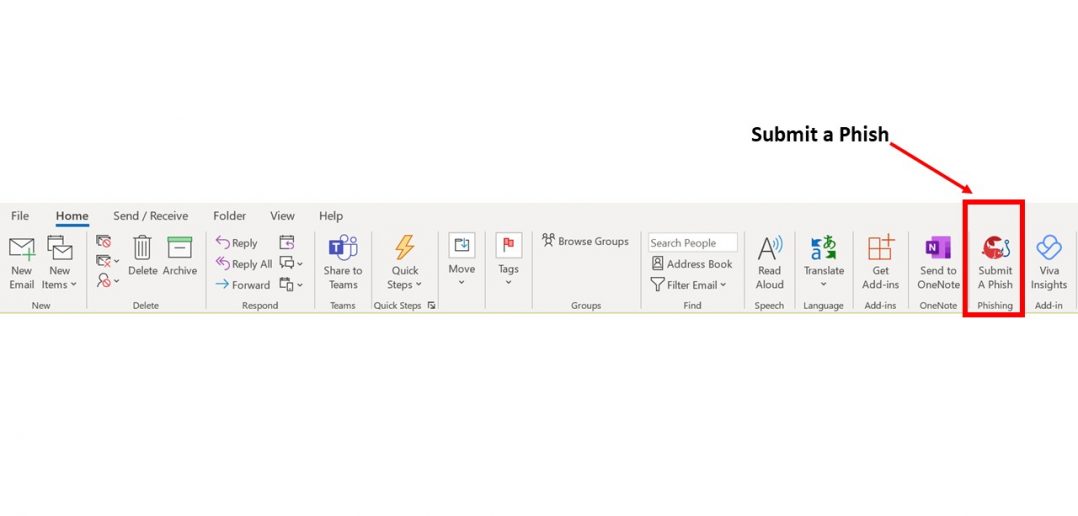
With the introduction of Outlook, Windows 10 users now have a easy way to report a suspected phishing email using the new ‘Submit a Phish’ button.
Imagine the scenario… there you are, cuppa in hand, scrolling through your unread emails, when bang! Something catches your eye. Maybe it’s an unusual email address, an unexpected attachment, or a big button blinking at you to click on it… whatever it is, you know you need to protect Carnival UK and report this email immediately.
But what was the email address? Where was that page on The Insider that tells you what to do if such an occasion happened? Fear not. With Outlook you can report the suspicious email instantly with just one click on the top ribbon.
Step 1: When you are reading the email you will be able to see the ‘Submit a Phish’ button in the top right hand corner. 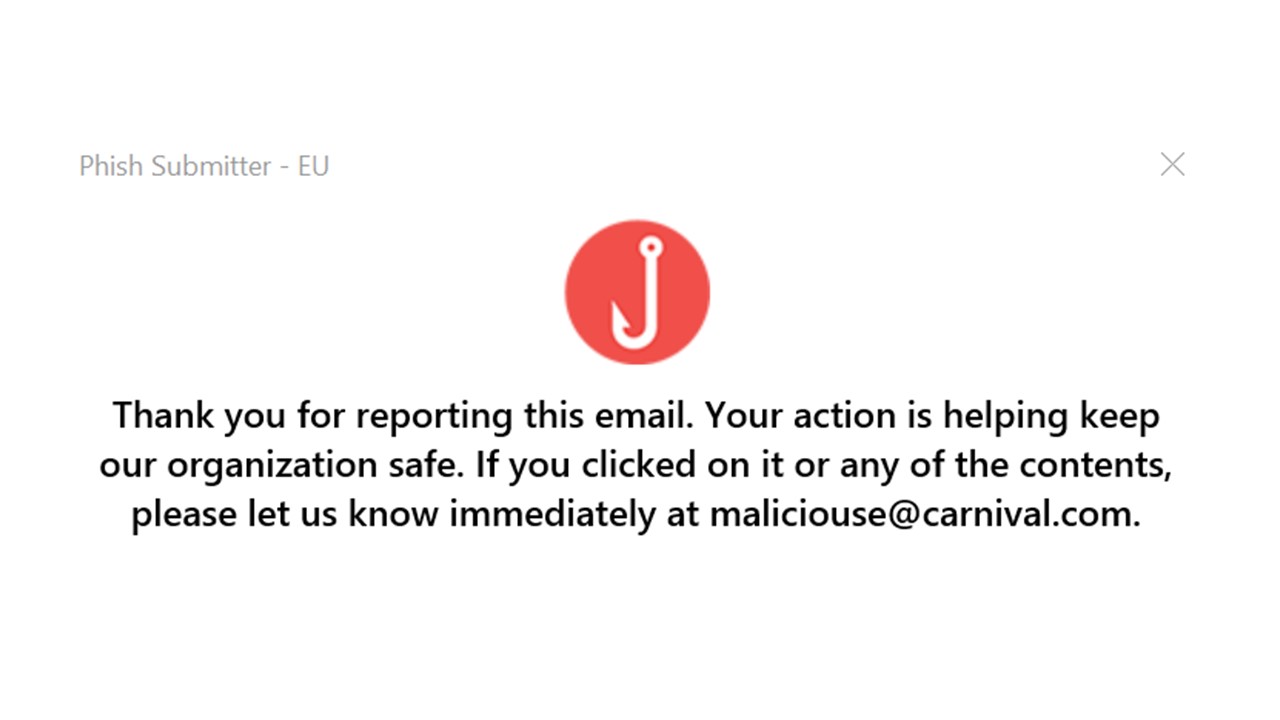
Step 2: Click on ‘Submit a Phish.’ You’ll then see the notification on the right to show that your phish has been submitted.
Step 3: You’ll notice the email you reported has now been removed from your Outlook inbox.
Once you have clicked ‘Submit a Phish’ a copy of your email will be sent to our IT Security Team who will test any links, attachments, email addresses etc within the email in a safe environment. You will then be advised if the email is safe or needs deleting.
And that’s it – you’ve done your bit to stop the hackers from infiltrating the Carnival UK Network. Finish your tea in peace, you’ve earned it!
Here’s a reminder of what to look out for to help spot a phishing email…
-
Dodgy looking links
-
Unofficial looking email addresses
-
Spelling mistakes
-
Sense of urgency in the request; for example a threatening email demanding an attached invoice or document be actioned within a tight time frame. (The attachment could contain malicious code that could infect your users computer.)
-
Unofficial looking signature
Points to note:
If in doubt, call it out by using the ‘Submit a Phish’ button in Outlook. You are never wasting time – every suspected Phish you report helps to protect the organisation and our guests.
If you’re a Windows 7 User, you will not have access to the ‘Submit a Phish’ button in Outlook. To report a phish, please email Phishing@carnivalukgroup.com
1 Comment
Good reminder