
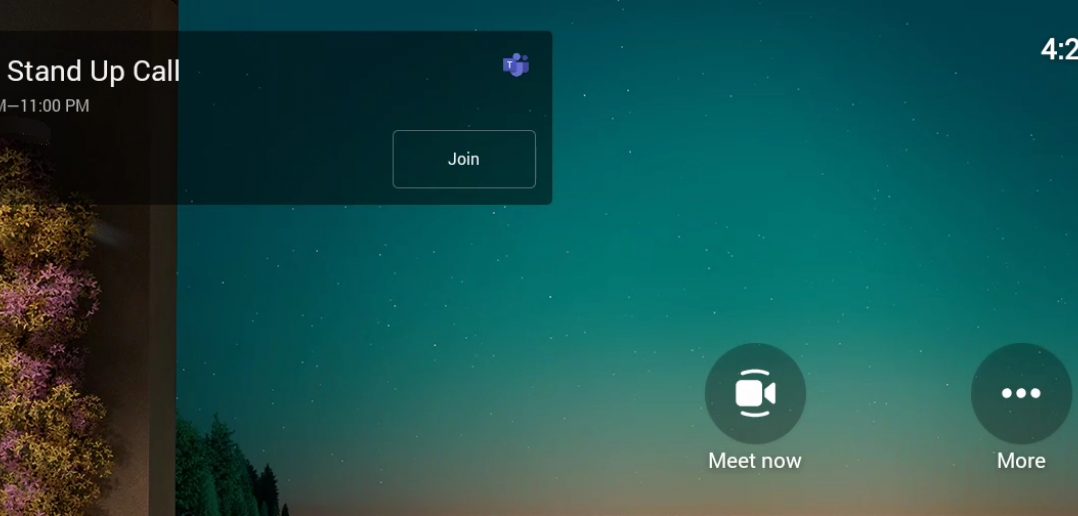
Great news for collaborative working – it’s now even easier to connect with colleagues who are at home or in the offices with the launch of our Teams Rooms at Carnival House.
If you’ve booked or plan to book one of these meeting rooms from today (4 July), you’ll need to make sure you create a Teams Meeting link (and add this to your meeting request) to ensure that both remote and in-room participants can join the call.
How do I find out how to use a Teams Room?
Join one of our Microsoft 365 Training Sessions; including ‘How to book the Teams Rooms’, (we also have work instructions available in the Teams Rooms) ‘How to connect using the Team Neat Pad’, and ‘What external people can and can’t do in your Microsoft Team’. Check which date suits you, add it to your diary, including this link, then simply join the training on your chosen day.
How do I book a Teams Meeting Room at Carnival House?
You may see the Meeting Rooms appear in Outlook, but please continue to book Meeting Rooms via Condeco. Any Booking Requests sent via Outlook will automatically be rejected.
Where can I go for support?
- Book yourself on one of the Teams Training Sessions.
- Inside every Teams Room there is an A4 Table Topper which includes a QR code to all the training and videos to get you started.
- The Microsoft 365 pages on The INSIDER
- Teams Training – including work instructions and videos
- If you have tried to access the work instructions and videos and need to speak to someone, please call the IT Service Desk on 02380 656000 who will support you.